
About one.css
one.css is designed to provide a premium, modern look for web tools with minimal effort. It leverages semantic HTML to create high-quality interfaces without the need for complex class name systems.
Why one.css?
- Classless by default: Style standard HTML elements directly.
-
Dark Mode & Themes:
Built-in
light darksupport. Change the whole color scheme by adding a single class (e.g.,.blue) to the<body>. - Premium Aesthetics: Modern typography (Inter), smooth transitions, and a curated color palette.
- Responsive: A robust grid system that handles sidebar overlays and centered layouts.
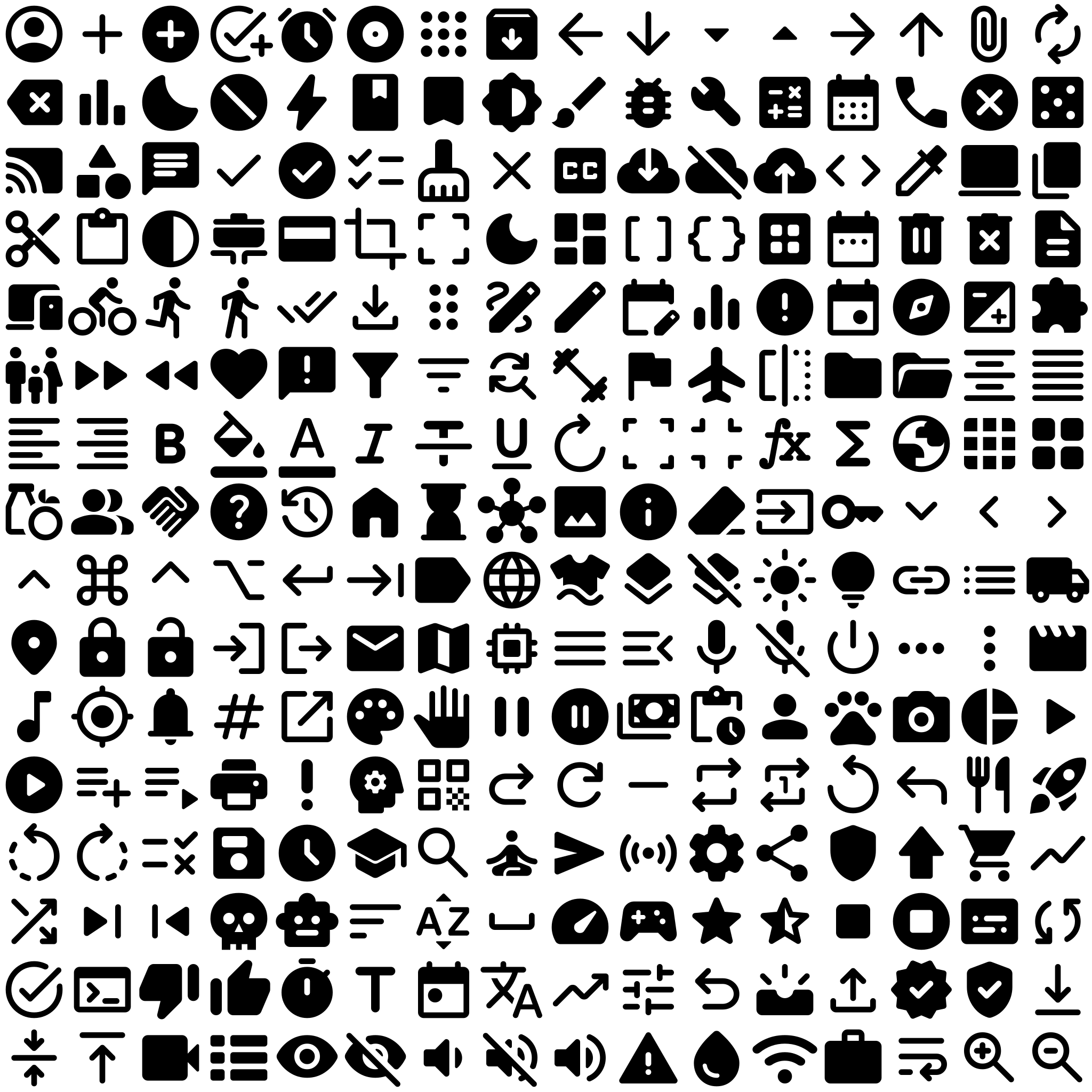
- 256 Icons Included: Hand-picked Material Symbols, covering 99% of web tool use cases.
Semantic Power
By using elements like <header>
, <main>,
<aside>,
and <footer>, you get a full-featured app layout for free. Form
elements like
<fieldset>
and <legend> are beautifully styled, and advanced
components like <dialog>
and <progress> follow a consistent
design language.
This page itself is the primary showcase and documentation for one.css.
Installation
To use one CSS file, download it and add the following line to
the
<head> section of
your HTML
file:
<link rel="stylesheet" type="text/css" href="one.css">
Then place the Inter font and Material Symbols font in the same folder.
License
one.css and Material Symbols are released under the Apache License, Version 2.0.
The Inter font is released under the SIL OPEN FONT LICENSE Version 1.1.
Typography
Body copy is now rendered in Inter (variable font, loaded locally from
Inter-VariableFont_opsz,wght.ttf), with a full system-font fallback chain.
Font smoothing (-webkit-font-smoothing: antialiased /
-moz-osx-font-smoothing: grayscale) is applied globally so text looks
crisp on every platform, including macOS retina screens.
Weight Spectrum
| CSS Weight | Name | Sample |
|---|---|---|
100
|
Thin | The quick brown fox jumps over the lazy dog |
300
|
Light | The quick brown fox jumps over the lazy dog |
400
|
Regular | The quick brown fox jumps over the lazy dog |
500
|
Medium | The quick brown fox jumps over the lazy dog |
600
|
SemiBold | The quick brown fox jumps over the lazy dog |
700
|
Bold | The quick brown fox jumps over the lazy dog |
900
|
Black | The quick brown fox jumps over the lazy dog |
Scale
one.css
Heading 2 — Title
Heading 3 — Section
Body text at 1rem. Inter features optical-size axis support, excellent
legibility at small sizes, and OpenType alternates (slashed zero, tabular figures).
Links like this one benefit from the medium-weight baseline the
new font stack provides.
Small / muted text at 0.875rem — still fully legible because Inter's
letterforms are optimized for on-screen rendering.
Process Steps
- Initialize the system and check for configuration updates.
- Load the data into memory, ensuring that all records are correctly parsed and validated before proceeding to the next stage.
- Write the processed results to the local storage interface.
Processing Status
This is a paragraph about processing status. It should have a nice, consistent margin at the bottom because of the margin-bottom reset we just applied.
Here is another paragraph that follows the first one. Notice the vertical space between this paragraph and the one above it. This vertical rhythm is important for readability.
Press Ctrl + Shift + Esc to open the task manager.
View debug logs
Init local processing...
Loading configuration...
Processing data...
Done!
System Status
Search Data
Modals
Controls
N-way Switch
Color Picker (input[type="color"])
Styled with the same filled-field language as every other input: themed background, bottom-border underline, and a clean rounded swatch (no browser-default double border).
.btn-danger Class
An outline-danger variant for destructive actions that cannot use
type="submit" or a semantic attribute.
Tooltips
Add a tooltip to any element by simply adding the data-tooltip="Your text
here" attribute.
Thanks to modern CSS anchor positioning,
tooltips automatically adapt their position to always remain visible on-screen and close to their source.